

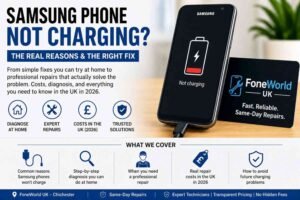
Your Samsung phone not charging is one of those moments that feels more urgent than it probably should. You plug in, nothing happens, and suddenly your entire day feels stuck. I’ve seen this exact scenario walk through the door at our repair shop dozens of times, and I’ll tell you what I always tell customers: the fix is almost always simpler than you think.
This guide covers every real reason a Samsung charging problem happens, what you can diagnose yourself at home, what needs a professional, and how much it should actually cost you in the UK in 2026. If you’ve been Googling at 11 pm because your Galaxy won’t charge, this is the only article you need.
Why is My Samsung Phone Not Charging at All?
This is the most common question we hear. When a Samsung phone not charging situation hits, most people immediately assume the worst, like a dead battery or a fried motherboard. The truth is, around 60% of charging faults we see come down to three simple things.
The three most common causes are the following:
- A damaged or incompatible charging cable
- Debris or lint is packed inside the USB-C charging port
- A software glitch after a recent Android or One UI update
Before you panic, try a completely different cable and adapter. Use the original Samsung ones if you have them. Then restart your phone by holding Volume Down and Power together for 10–15 seconds. You’d be surprised how often this fixes a Samsung charger not working issue that seemed serious.
I once had a customer bring in a Samsung Galaxy A54, convinced the motherboard was gone. Turned out a piece of pocket lint had compacted inside the port so tightly the cable couldn’t make contact. A two-minute clean, and it was charging like new. That happens more than people realize.
What Should You Check Before Anything Else?
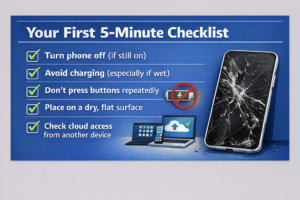
Think of this as your five-minute checklist before spending a penny on repairs. Every Samsung charging issue fix should start here.
- Test a different cable. Cables fail silently. The wire inside frays while the outer jacket looks fine.
- Try a different power adapter. Cheap adapters from unknown brands can fail to supply enough wattage to trigger Samsung’s Adaptive Fast Charging.
- Plug into a wall socket, not a laptop USB port. Laptops often supply only 5W, which can feel like it’s not charging at all on a modern Galaxy.
- Restart your phone. A soft reboot clears temporary software states that can block charging recognition.
- Check Battery Protection settings. Go to Settings > Battery > Battery Protection. If it’s set to stop at 80%, your phone will refuse to charge beyond that.
If none of these fixes the issue, move on to the deeper checks below. For more on how our team approaches these diagnostics, take a look at our “Samsung phone repair service” page.
How Do You Fix a Samsung Charging Port That’s Not Working
A blocked or damaged Samsung charging port is responsible for more “not charging” complaints than any other single cause. Here’s how to know if yours is the problem and what to do about it.
Signs your port has an issue:
- The cable feels loose or wobbly when plugged in
- It only charges when held at a specific angle
- You can see visible debris, lint, or discolouration inside
How to clean it safely at home:
Use a wooden toothpick or a clean, dry soft-bristled toothbrush. Never use metal objects like pins or needles. They can bend the delicate internal pins and create a permanent fault. Work gently in good lighting and check with a torch first. Lint and debris tend to get compacted toward the back of the port after repeated charging, which can prevent the cable from making proper contact.
If, after cleaning the port still feels loose, or if you see bent or burnt pins, that’s when you need a professional. A Samsung charging port repair in the UK typically costs between £39 and £80 at a quality independent repair shop, depending on the model. More on exact costs further down.
At our tech repair shop, FoneWorld Chichester, we offer Samsung Galaxy repairs. Our certified professionals handle every battery repair problem from basic to advanced.
Why is Samsung Fast Charging Not Working?
This is a separate issue from a dead port, and it catches people off guard. Your phone might be charging, just slowly, and the fast charge icon never appears. That’s a Samsung fast charging problem, not working.
The most common reasons are the following:
- You’re using a cable that doesn’t support USB Power Delivery or Samsung’s Adaptive Fast Charging
- Fast charging is disabled in settings (Settings > Battery > More Battery Settings)
- A third-party app is running in the background that the system classifies as “high performance,” which auto-disables fast charging
- A recent software update introduced a bug, particularly noted after some One UI 7 rollouts in late 2025
Software issues can prevent the operating system from recognizing the fast charger, and energy-saving settings can also interfere with fast charging protocols.
The fix? Try an official Samsung 25W or 45W adapter with a USB-C cable that explicitly supports USB Power Delivery. Anker and Belkin both make excellent certified alternatives that cost £15–£25. Avoid generic white-box chargers from marketplaces. I’ve seen those damage the charging IC chip over time, which turns a simple Samsung charging issue fix into a motherboard-level repair that costs four times as much.
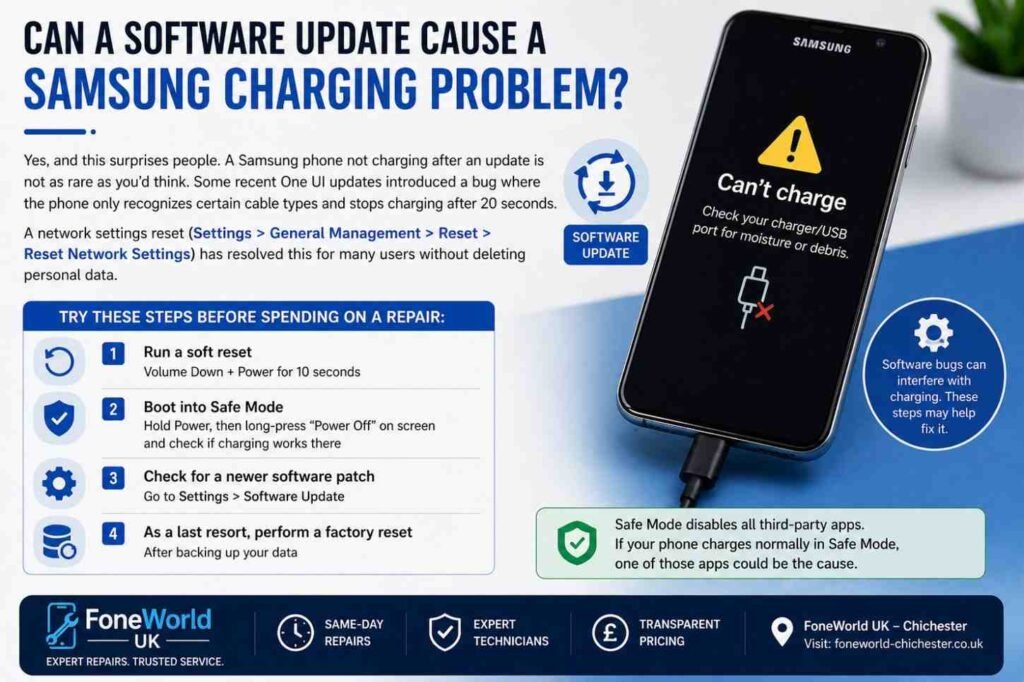
What Does the “Moisture Detected” Error Mean and How Do You Fix It?
This one drives people mad. Your phone shows the moisture-detected warning and refuses to charge, and yet the phone is completely dry. It happens more often than Samsung would probably like to admit.
Samsung Galaxy devices with IP68 ratings are equipped with a moisture detection sensor to prevent corrosion. If moisture is detected in the USB port, charging will stop as a safety measure. The problem is, this sensor can also fire off from high humidity, condensation in a kitchen or bathroom, or even a sudden temperature change.
How to fix a “false moisture detected” error:
- Power off the phone completely
- Leave it in a dry room for 20–30 minutes, not in rice (that’s a myth that can introduce debris)
- Gently tap the phone face-down to shake out any moisture
- Try a wireless charger in the meantime if your Galaxy supports it
- If the error persists on a completely dry phone, clear your USB cache: Settings > Apps > Show System Apps > USBSettings > Storage > Clear Cache
If none of that works, a persistent false moisture error on a dry phone can indicate a faulty sensor or a charging IC fault. At that point, bring it in to a qualified technician. Our team handles these cases regularly, and you can reach us to “get a repair quote.”
How Can You Tell if the Problem is the Samsung Battery or the Charging Port?
This is genuinely one of the trickier diagnoses, and it’s where a lot of people waste money. Here’s a quick comparison to help you figure it out before spending anything.
| Symptom | More Likely Battery | More Likely Port |
|---|---|---|
| Charges fine on wireless | Yes | No (wireless works) |
| Cable feels loose/wobbly | No | Yes |
| Battery drains rapidly | Yes | No |
| Charges only at one angle | No | Yes |
| Swollen back glass | Yes | No |
| Multiple cables don’t work | No | Yes |
Samsung batteries not charging past a certain percentage, rapid drain, or the phone shutting off at 20–30% all point to a degraded lithium-ion battery. Galaxy batteries are rated for around 500 charge cycles. After two to three years of daily use, most batteries are at 70–80% original capacity.
Use the Samsung Members app to run a free battery and charging diagnostic. It’s genuinely useful and often tells you which component is the problem before you spend anything.
If you want an honest assessment from a real technician, check our “battery health check and replacement” service.
How Much Does It Cost to Fix a Samsung Charging Problem in the UK?
Let’s be direct about costs, because this is what most people actually need to know.
The average cost of mobile phone battery replacement in the UK is approximately £75. Most modern Android charging ports use USB-C connections, and charging port repairs vary by model and provider.
Here’s a practical UK cost breakdown for 2026:
| Repair Type | Typical UK Cost Range |
|---|---|
| Port cleaning only | £0–£20 |
| Samsung charging port repair (Galaxy A series) | £39–£60 |
| Samsung charging port repair (Galaxy S series) | £55–£89 |
| Battery replacement (Galaxy A series) | £45–£70 |
| Battery replacement (Galaxy S series) | £65–£90 |
| Charging IC chip repair | £80–£130 |
| Motherboard-level repair | £100–£200+ |
Independent repair shops like ours almost always cost less than Samsung Service Centres, with comparable quality work and often faster turnaround. A Samsung repair in Chichester at Fone World takes most charging fixes the same day.
For exact pricing on your model, visit our “Samsung repair pricing” page.
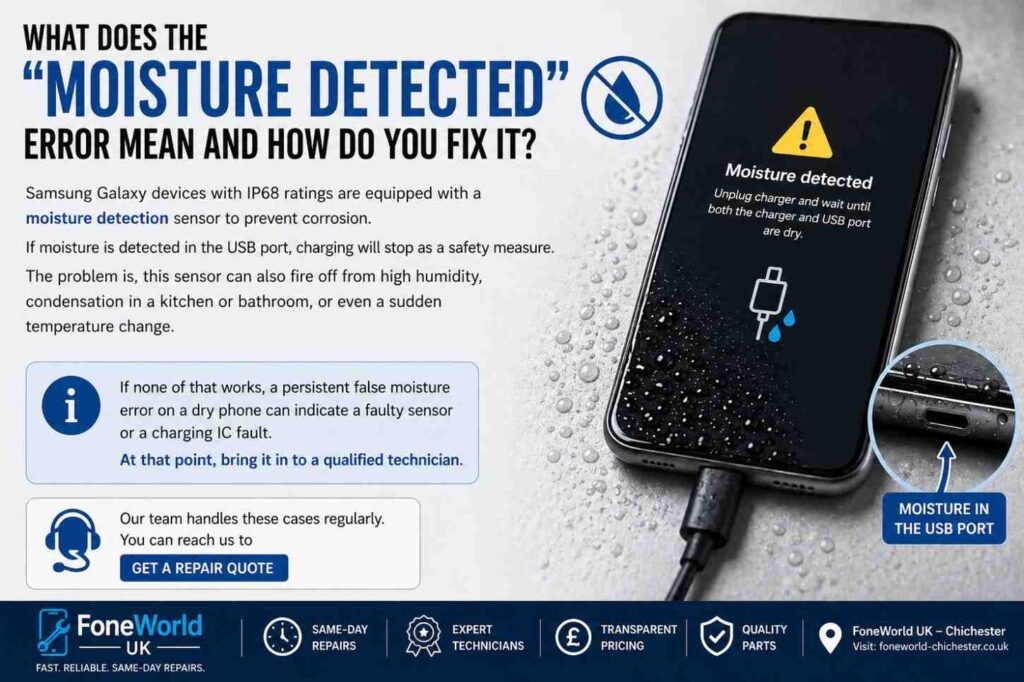
Can a Software Update Cause a Samsung Charging Problem?
Yes, and this surprises people. A Samsung phone not charging after an update is not as rare as you’d think. Some recent One UI updates introduced a bug where the phone only recognizes certain cable types and stops charging after 20 seconds. A network settings reset (Settings > General Management > Reset > Reset Network Settings) has resolved this for many users without deleting personal data.
If your Samsung charging issue fix coincides exactly with a software update, try these steps before spending on a repair:
- Run a soft reset (Volume Down + Power for 10 seconds)
- Boot into Safe Mode (hold Power, then long-press “Power Off” on screen) and check if charging works there
- Check for a newer software patch in Settings > Software Update
- As a last resort, perform a factory reset after backing up your data
Safe Mode disables all third-party apps. If your phone charges normally in Safe Mode, one of your installed apps is interfering with the charging process.
Should You Repair or Replace Your Samsung Phone?
This is a question I genuinely enjoy answering because the honest answer surprises people. For most Samsung charging problems, repair is almost always the right financial decision.
Here’s my personal rule of thumb: if the phone is less than five years old and the repair costs less than 40% of a replacement handset, repair it. A Samsung charging port repair at £50–£80 on a Galaxy S21 that’s otherwise in good condition makes far more sense than buying a new £500 phone.
The only exceptions are the following:
- Motherboard-level faults that cost more than the phone’s resale value
- A phone is already showing multiple hardware issues simultaneously
- A battery that has swollen and created a safety risk
For an honest conversation about your specific phone, speak to our team through our “Samsung repair Chichester” service page.
What Are the Worst Mistakes People Make with Samsung Charging Issues?
I see these mistakes every week, and they almost always make things worse.
Using a cheap, unbranded charger. This is the single biggest cause of long-term Samsung charging problems we see. Off-brand chargers lack proper voltage regulation and can degrade the charging IC chip over months of use. Always use Samsung originals or certified alternatives from Anker or Belkin.
Poking the port with metal objects. A pin or paperclip can bend the internal USB-C pins permanently. Once those are bent, port replacement is unavoidable.
Ignoring early warning signs. A slightly loose cable, occasional drops in charging speed, or a phone that sometimes doesn’t recognize the charger are all early signs. Catching a Samsung charging port fault early means a simple clean or minor repair. Ignoring it usually leads to a full port replacement.
Leaving the moisture-detected error and forcing a charge. Forcing a charge when moisture is actually present can cause corrosion that permanently damages the port or motherboard.
What Are the Best Chargers and Cables for Samsung Phones?
Not all charging accessories are equal. This matters more than people think for long-term Samsung battery health.
Recommended options:
- Samsung 25W or 45W Official Adapter: The safest choice, fully compatible with Adaptive Fast Charging
- Anker 737 GaN Charger: Excellent third-party option, USB-PD certified, ~£35
- Belkin BoostCharge Pro: Reliable, widely available in UK, ~£25
- Samsung official USB-C cable: Supports full fast charging speeds
Avoid cables sold in bundles of five for £3.99. They’re the primary reason people end up needing a Samsung charging issue fix six months earlier than they should.
Where Should You Get a Samsung Charging Problem Fixed in Chichester?
If you’re in Chichester or West Sussex and your Samsung phone not charging issue hasn’t been resolved with the steps above, Fone World Chichester offers same-day Samsung repair Chichester for most charging faults.
We diagnose the issue first, give you a clear price upfront, and only proceed with your approval. There are no hidden fees, and we use quality parts with a repair warranty. Whether it’s a Samsung charging port repair, a battery swap, or a software reset, we handle it quickly and honestly.
We also repair laptops, smartwatches, and tablets, so if you’ve got multiple devices with issues, one visit covers it all. Check our full range on our “device repair services” page.
Final Thoughts: Don’t Ignore a Samsung Charging Problem
A Samsung phone not charging rarely fixes itself. What starts as a slow charge or a loose cable becomes a full port failure if left alone. The good news is that most Samsung charging problems are genuinely fixable, affordably, by someone who knows what they’re doing.
If the checklist above didn’t solve it, the issue is almost certainly a port, battery, or software fault, all of which are standard repairs. Three months from now, you don’t want to be shopping for a new £600 phone when a £50 repair would have solved the whole thing today.
At Fone World Chichester, we’ve fixed hundreds of Samsung charging issue cases across Galaxy A, S, and Note series phones. If you’re in Chichester or West Sussex, bring it in and we’ll tell you exactly what’s wrong before we charge you anything. Visit our “Samsung repair Chichester” page to find us or book a same-day slot.