

Over 60 percent of smartphone users have never set up an automatic backup, according to a 2024 industry survey. That means the moment a phone breaks, panic sets in.
The good news is that modern smartphones store data in NAND flash memory chips that often survive physical damage. So even in cases where you need to recover data from a dead phone or handle water damaged phone data recovery, your files are usually still there, just locked behind hardware or access issues.
Whether it’s a cracked screen, a black display, or a device that won’t power on, there’s almost always a recovery path, if you follow the right approach.
What should you do immediately after your phone breaks?
The first few minutes decide everything. If you handle it right, you can still recover data from broken phone situations. If not, you can make recovery much harder, sometimes impossible.
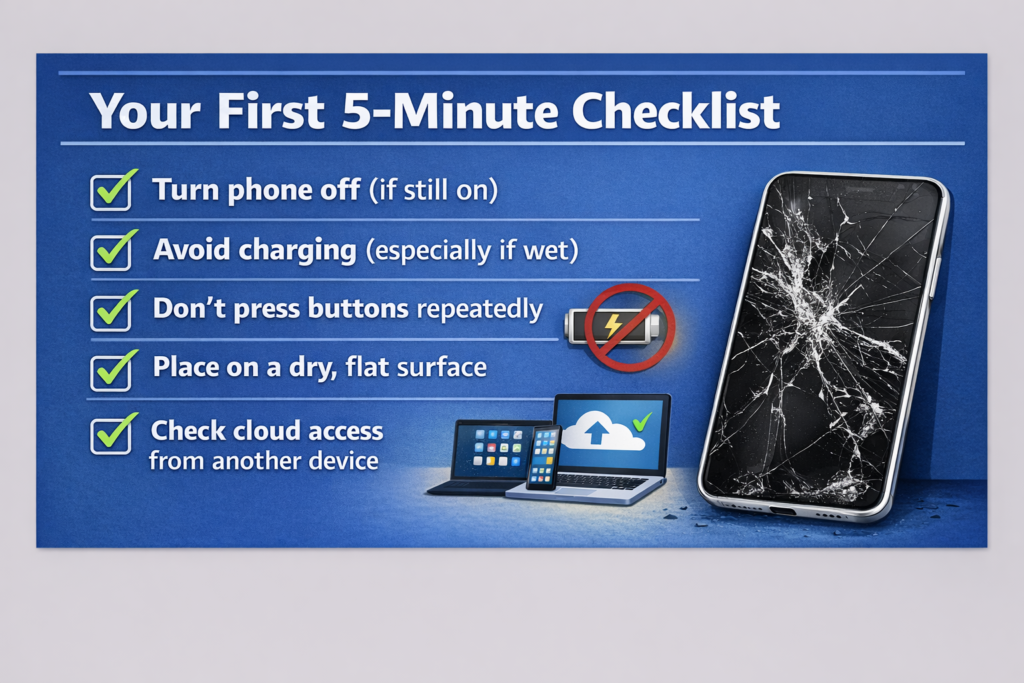
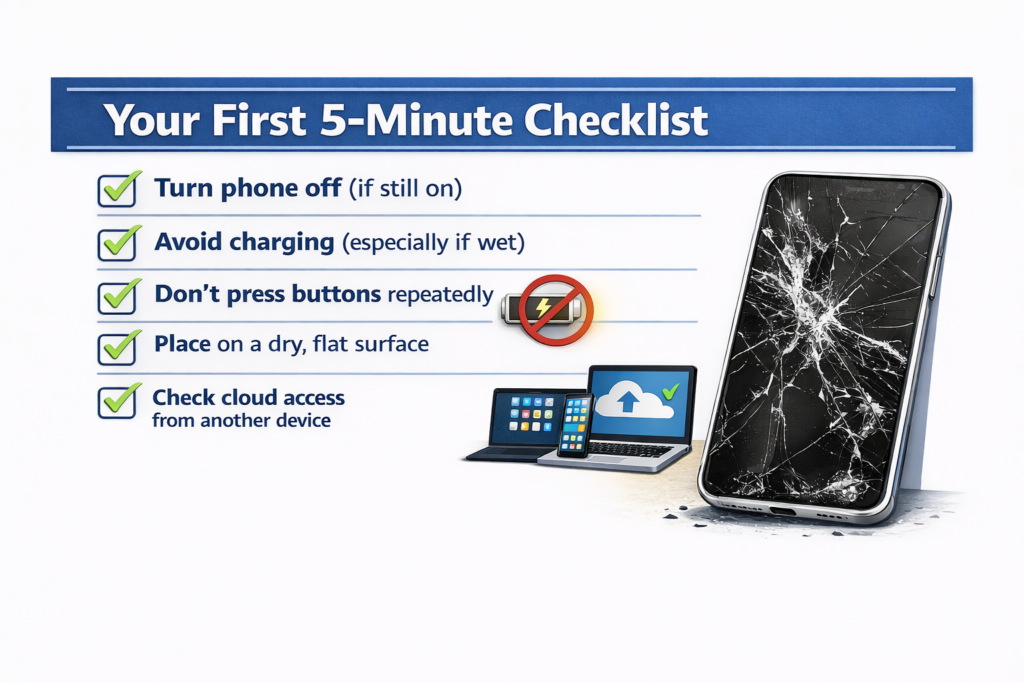
Your first 5-minute checklist
Do this immediately:
- Turn the phone off (if it’s still on)
- Avoid charging, especially after any liquid exposure
- Don’t press buttons repeatedly trying to “wake” it
- Place it on a dry, flat surface and assess the damage
- Check cloud access (Google Photos, iCloud, email) from another device
If your phone still shows signs of life, you may later be able to recover data from broken Android or iPhone using safe methods.
Mistakes that destroy recovery chances
Most data loss doesn’t come from the damage, it comes from what people do next.
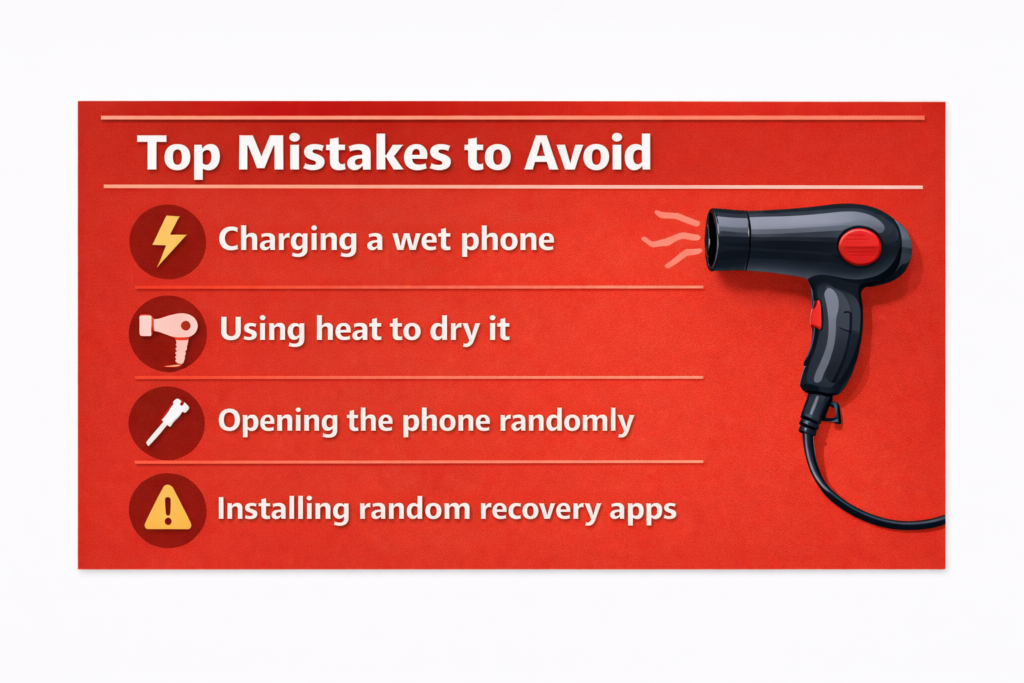
Avoid these:
- Charging a wet phone → causes internal short circuits within minutes
- Using heat (hair dryer, heater) → damages internal storage layers
- Opening the phone randomly → risks static damage to sensitive components
- Installing random recovery apps immediately → can overwrite existing data
This is where many people lose the chance to recover photos from broken phone or access important files later.
What you should do instead (smart approach)
- Pause and identify the damage type (screen, power, water)
- Avoid “trial and error” fixes
- If water damage is involved → act fast and skip DIY
- If the phone is completely dead → consider phone storage recovery through professionals
In the UK, most reputable repair centres and data recovery specialists will offer a basic diagnostic before proceeding with use, instead of guessing.
Can you retrieve data from a broken phone (based on damage type)?
In most cases, yes. The data is usually still stored inside the device, the real challenge is access. Before trying any method, identify what kind of damage you’re dealing with. The recovery approach changes completely depending on this.
Quick damage assessment
| Damage Type | Powers On? | Screen Works? | Recovery Difficulty | Best First Step |
| Cracked screen only | Yes | No | Low | USB or OTG cable |
| Black screen, no response | Unknown | No | Medium | Try charging, then ADB |
| Water damage (fresh) | No | No | Medium-High | Dry out, then professional |
| Boot loop | Yes (partly) | Yes | Medium | Recovery mode or software |
| Completely dead | No | No | High | Professional lab |
| Fire or crush damage | No | No | Very High | Chip-off specialist |
How can I recover data from a broken screen phone?
If your phone still powers on but the screen doesn’t respond, you’re in the best possible position. In most cases, you can still retrieve files from broken smartphone storage without opening the device or paying for expensive repair. The key is choosing the right access method based on your situation.
OTG cable + mouse (fastest method)
This is the simplest and most reliable fix for Android users. An OTG (On-The-Go) adapter (usually £3–£6 in the UK) lets you control your phone using a USB mouse, even if the screen is completely unresponsive.
Connect your phone to a computer (USB method)
If the phone is on but the screen is black, try direct connection.
- Plug your phone into a Windows PC or Mac
- Check if it appears as a storage device
- Access internal folders and copy files
This is often enough to recover photos from broken phone without using any tools.
Common mistake (costs people their data)
People rush to install random recovery apps before trying access-based methods. That’s backwards. Always try to extract data from damaged phone first using direct access. Only use software tools when access is blocked.
🇬🇧 Practical note (UK users)
In the UK, a basic screen replacement can cost £80–£250 depending on the device. If your only goal is data, these methods can save you that cost completely.
How do I retrieve data if my phone won’t turn on?
This is the point where most people assume everything is gone. It isn’t.
A phone that won’t power on doesn’t mean your data is lost, it usually means you’ve lost access. In many cases, it’s still possible to recover data from dead phone storage if you approach it correctly.
Battery issue vs motherboard failure
Start with the basics before assuming the worst.
- Plug your phone into a working charger and leave it for at least 15–20 minutes
- Try a different cable and adapter (faulty chargers are more common than you think)
- Look closely for signs: vibration, LED light, or faint charging icon
Some devices, especially Samsung, show a very dim or delayed charging screen that’s easy to miss. If you see any response at all, your chances of phone won’t turn on data recovery improve significantly.
Temporary power access (hidden recovery options)
Even when the screen is dead, the system may still respond in the background.
Try this:
- Hold Power + Volume Down for 10–15 seconds (Android standard)
- On Samsung devices: Power + Volume Up + Bixby
- Watch for vibration, sound, or LED signal
If the phone reacts, you may be able to enter recovery or fastboot mode, and from there attempt ADB data extraction through a connected computer. USB debugging must have been enabled earlier.
When DIY stops working
This is where you shift strategy.
If your phone shows zero response:
- No vibration
- No charging sign
- No LED
You’re now dealing with a deeper hardware issue. At this stage, standard tools won’t work. This is where mobile data extraction moves to a professional level.
Professional recovery (what actually happens)
UK-based recovery labs use advanced techniques like:
- JTAG recovery (direct board-level access)
- Chip-off recovery (reading NAND storage directly)
These methods bypass the need for the phone to turn on at all. This is often the only way to recover data from broken iPhone or Android devices that are completely unresponsive.
Cost reality (UK context)
- Basic diagnostics: often free
- Standard recovery: £150–£400
- Severe damage (chip-level): £400–£1,200+
If your data matters (business files, personal media), this is usually worth it.
What Are the Best Tools for Broken Phone Data Recovery?
If your phone still has power but you can’t access the data, software tools can help, but only in the right situations. They’re useful for screen damage, system crashes, or partial access issues.
They won’t fix fully dead devices, that’s where hardware-level recovery comes in.
Top data recovery tools (quick comparison)
| Tool | Platform | Price (2025) | Broken Screen | Free Trial | Ease of Use |
| Dr.Fone – Data Recovery | Android + iOS | $69.99/year | Yes | Yes (preview) | 5/5 |
| EaseUS MobiSaver | Android + iOS | $59.95 one-time | Yes | Yes (limited) | 4/5 |
| Tenorshare UltData | Android + iOS | $49.95/quarter | Yes | Yes (preview) | 4/5 |
| iMobie PhoneRescue | Android + iOS | $45.99 one-time | Yes | Yes | 4/5 |
| DiskDigger (Android) | Android only | Free / Pro $2.99 | Partial | Yes (full) | 3/5 |
| scrcpy (ADB required) | Android only | Free | Partial | N/A | 2/5 |
Important limitation (don’t ignore this)
- These tools do NOT work on completely dead phones
- They rely on the phone being detectable via USB
- Success depends on device condition + prior settings
If your device isn’t recognised, software won’t help, and you’ll need deeper broken phone data recovery methods.
Is it worth paying?
If the data matters (photos, work files, contacts), yes.
A typical licence costs £35–£55, far cheaper than repair or lab recovery. For many users, this is the easiest way to recover photos from broken phone without taking the device apart.
Can water-damaged phone data be recovered?
Yes, but speed decides everything. The longer your phone stays wet, the lower your chances of water damaged phone data recovery. Corrosion starts within minutes.
What to do immediately (first 10 minutes)
- Take the phone out of water
- Power it off (don’t test it)
- Remove SIM and SD card
- Dry the surface gently
- Leave it untouched
If you act fast, you still have a strong chance to recover photos from water damaged phone not turning on.
Myth: rice will fix it
It won’t. Rice barely absorbs internal moisture and can leave residue inside the device. Silica gel is better, but even that is a temporary step, not a fix. The safest move is to avoid DIY and consider proper mobile data extraction if the data matters.
How to Recover Specific Data Like Photos, Contacts, and WhatsApp
Not all data needs the same method. Start with the easiest source first, most of the time, your files are already backed up.
Photos & videos
- Check Google Photos or iCloud first
- Many phones auto-sync without you noticing
- If no backup: connect via USB → open DCIM folder
- Last option: use tools like Dr.Fone to scan internal storage
This is the fastest way to recover photos from broken phone without complex setup.
Contacts
- Android → check Google Contacts (browser access)
- iPhone → check iCloud contacts
- SIM-only contacts → use a SIM reader to extract directly
Even without the device, you can often extract contacts from damaged phone accounts within minutes.
WhatsApp chats
- Restore from Google Drive (Android) or iCloud (iPhone)
- Install WhatsApp on a new phone → verify → restore backup
No backup?
- Use ADB to pull local files from:
/sdcard/WhatsApp/Databases/
This method helps in WhatsApp data recovery broken phone cases where cloud backup was off.
Quick rule (don’t overcomplicate it)
- Cloud first → fastest recovery
- USB access → second option
- Tools → only if access fails
Most users don’t lose data, they just don’t check the right place first.
Should You Repair the Phone First or Recover Data First?
Short answer: recover your data first… always.
Once a device goes in for repair, you lose control. Many technicians reset devices during testing, and heat-based repairs can damage already fragile storage. If your goal is to recover data from broken phone, don’t risk it by repairing first.
🇬🇧 Practical note (UK users)
In the UK, many high-street repair shops don’t guarantee data safety unless you request it.
If your data matters, always mention recovery first, or go directly to a specialist.
How much does professional phone data recovery cost?
Costs vary based on damage, but here’s a realistic UK breakdown for 2025.
Typical recovery costs (UK)
- Broken screen (software-level access)
→ £0–£80 (DIY)
→ £80–£200 (professional)
→ High success rate (80–95%)
→ Usually done within 1–3 days - Dead phone (no water damage)
→ £30–£80 (DIY attempts)
→ £120–£350 (lab recovery)
→ Moderate success (65–80%)
→ 2–5 days turnaround - Water damage
→ DIY rarely works
→ £150–£600 (professional recovery)
→ Success varies (40–75%)
→ 3–7 days - Motherboard failure
→ No DIY option
→ £350–£900+
→ Lower success (30–60%)
→ 1–2 weeks - Chip-level recovery (JTAG / chip-off)
→ £400–£1,200+
→ Used in extreme cases
→ 50–70% success
→ 1–3 weeks
When is it actually worth paying?
Professional recovery makes sense when:
- Data is irreplaceable (photos, work files, business data)
- DIY methods have failed
- The phone shows no response at all
This is often the last option in serious broken phone data recovery cases.
What to check before paying
- Ask for free diagnostics (many UK labs offer this)
- Confirm “no recovery, no fee” policy
- Get a clear quote before approval
Reputable labs like DriveSavers follow this model, avoid anyone who charges upfront without assessment.
Practical insight
If your data is valuable, £150–£400 is often a better decision than risking permanent loss through trial-and-error fixes.
Real-World Recovery Case Studies
These real cases show one thing clearly, most data isn’t lost, it’s just inaccessible.
Case 1: Broken screen → full recovery
- Device: Samsung Galaxy S22
- Issue: Screen shattered, no touch
- Fix: OTG + USB mouse → ADB access
- Result: 4,300 photos + WhatsApp data recovered
- Time: ~30 minutes
- Cost: ~£5
Typical broken screen phone data recovery, fast and low-cost if the phone still powers on.
Case 2: Water damage → partial recovery
- Device: iPhone 13
- Issue: Dropped in water, delayed action
- Mistake: Tried rice drying for hours
- Fix: Professional lab (DriveSavers)
- Result: ~60% photos + all contacts recovered
Key lesson: act fast — delay reduces water damaged phone data recovery success.
Case 3: Dead phone → chip-level recovery
- Device: Google Pixel 6
- Issue: Crushed, motherboard damaged
- Fix: Chip-off recovery by Ontrack
- Result: ~94% data recovered
- Cost: ~£1,000+
This is advanced mobile data extraction, used when the phone won’t turn on at all.
What these cases prove
- Screen damage → highest recovery success
- Water damage → time-sensitive
- Dead phones → still recoverable with the right tools
In most broken phone data recovery cases, the outcome depends more on your actions than the damage itself.
How to Prevent Data Loss from a Broken Phone in the Future
Most data loss is avoidable. A few simple habits can remove the risk completely.
Set up automatic backup (do this once)
- Android → Settings → Google → Backup → turn it on
- iPhone → Settings → iCloud → iCloud Backup → enable
Also check Google Photos or iCloud Photos, many users forget this part.
This alone solves most phone data recovery without backup problems before they happen.
Use the 3-2-1 rule (simple but effective)
- Keep 3 copies of important data
- Use 2 storage types (cloud + local)
- Store 1 copy separately (another cloud or external drive)
Even a basic setup protects your photos, contacts, and documents long-term.
Enable USB debugging (Android only)
- Go to Settings → About Phone
- Tap “Build Number” 7 times
- Open Developer Options → turn on USB debugging
This gives you emergency access later if you ever need to recover data from broken Android devices.