


You press the button… nothing. No screen, no vibration. Easy to assume the phone’s dead but that’s not always true. If you’re trying to fix phone power button not working, don’t jump to conclusions. In a lot of cases, it’s something simple, dust, a minor glitch, or just wear over time. If the phone still reacts even slightly, you can often restart phone without power button using built-in options.
Most people assume the worst at this stage, usually, it’s not that serious. If there’s no response at all, especially after a drop or water exposure, it’s more likely a hardware issue. That’s where random fixes start making things worse. First step isn’t fixing, it’s understanding what you’re dealing with.
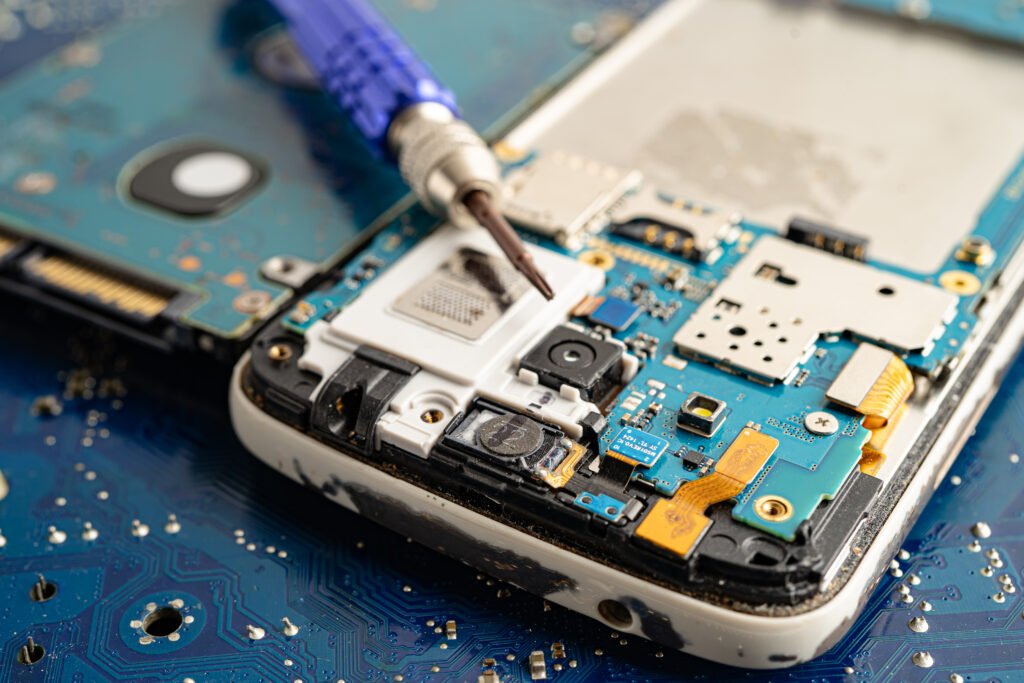
Why Is My Phone Power Button Not Working Suddenly?
Before trying random fixes pause for a second. What actually changed?
Most people don’t check this. They just keep pressing harder or try different tricks, and that’s usually where things get worse. In most cases, it’s not something serious. It’s usually small, wear over time, a minor system glitch, or even dust around the button. The problem is, all of these feel the same at first. Drops or pressure are often the starting point, even if it didn’t seem like a big hit.
Wear or Internal Damage
Phones go through more than we notice. Small drops, tight pockets, daily use, it adds up. You might feel the click isn’t as sharp anymore. Sometimes it works, sometimes it doesn’t. That inconsistency is usually the first sign something inside isn’t lining up properly. You’ll notice this more if the phone has been dropped a few times or used heavily over time.
System Glitch
Sometimes, nothing is physically wrong. If the screen responds, apps open, and everything else works, but the button doesn’t, it’s often the system not reacting properly. It looks like a hardware issue, but it isn’t always. At this stage, people often misjudge the problem and assume the worst.
Dust or Something Internal
This one gets ignored. Small bits of lint or dust can sit around the button and slowly affect how it presses. But if there’s no response at all, especially after a drop or water exposure, it’s usually deeper than that. Often something like the power button flex cable. At that point, quick fixes don’t last, the issue is already internal.
How to Check If It’s Broken or Just Stuck
The usual reaction? Press it harder. Feels logical, but it often makes things worse. If there’s dust, you push it deeper. If it’s already worn out, you speed up the damage. That’s where things start going wrong.
Before trying any fix, slow down. Check what’s actually happening. In a lot of cases, the button isn’t fully broken, it’s stuck, not being recognised, or just starting to wear out. The feel and the phone’s response tell you more than guessing. This is the point where people usually guess instead of checking properly.
What the Button and Phone Are Telling You
Start with the feel. Press it slowly, not repeatedly. If it still clicks but nothing happens, it’s often a system issue. The phone is working, just not reacting to the input. If the button feels soft, uneven, or slightly stuck, there’s usually dirt or debris interfering.
But if there’s no click at all or no response even when charging, that’s different. That usually points to internal damage, often linked to the power button flex cable, especially after a drop or water exposure. No click at all is usually a bad sign it rarely fixes itself.
Quick Check: What It Likely Means
Symptom | Likely Cause | What to Do |
Clicks but no response | Software glitch | Use on-screen controls to restart |
Feels soft or uneven | Dust or buildup | Clean around the button |
No click at all | Hardware damage | Get it repaired |
Works sometimes, then stops | Early wear | Use temporary workaround |
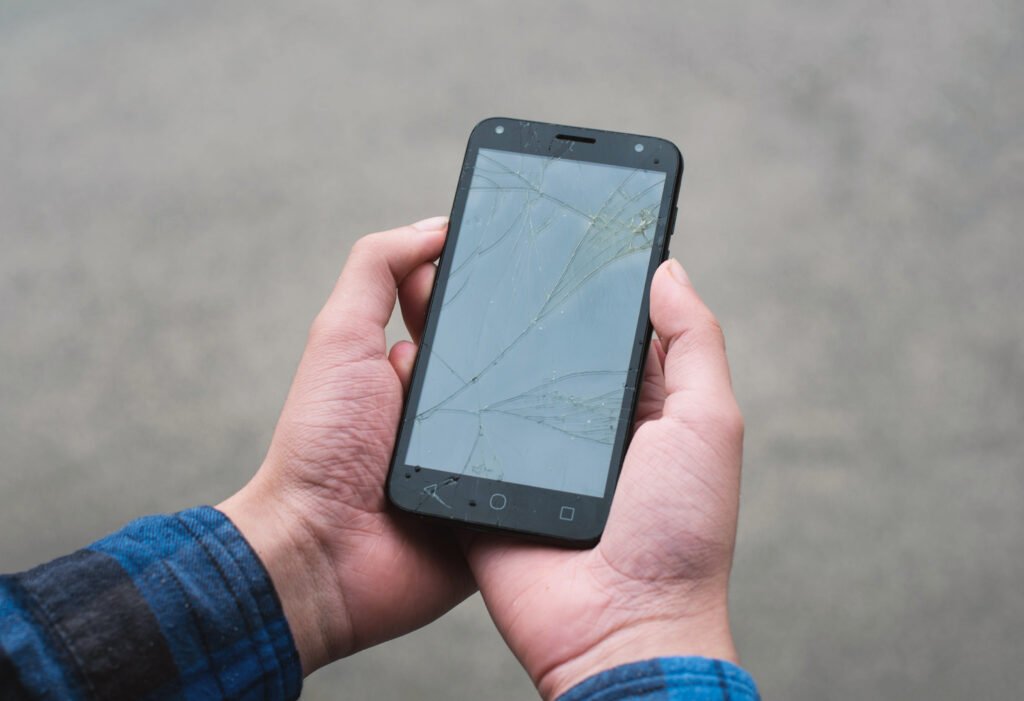
What Should You Do First When Your Phone Power Button Stops Working?
Button stops responding. The first instinct is to keep pressing it. Don’t.
That’s how a small issue turns into real damage. If you’re trying to fix phone power button not working, start by checking what still works instead of forcing anything. Pressing it again and again won’t fix it. It usually makes things worse.
Start With What You Still Have
- Stop pressing the button repeatedly it won’t suddenly start working
- Check if the phone is still on or completely off
- If it’s on, use settings or on-screen controls to restart phone without power button
- Plug it into a charger sometimes the screen responds on its own
If the phone is still on, you’ve got options more than most people realise.
Keep It Safe for Now
- If you can access the phone, back up your data early
- In a phone won’t turn on power button broken case, access later isn’t guaranteed
- Use built-in features like AssistiveTouch or the Android accessibility menu
- Avoid risky fixes until you’re sure it’s a hardware issue
This stage isn’t about fixing, it’s about avoiding more damage.
How Can I Turn On My Phone Without Using the Power Button?
If your phone won’t turn on and the button isn’t working, it doesn’t always mean it’s dead.
Sometimes it just needs a different trigger. If the phone is completely off, your options are limited but not zero.
- Plug it into a charger and give it a minute
If you see a battery icon or any activity, the phone is still alive. In some cases, it boots on its own - On Android (Samsung Galaxy, Xiaomi, Pixel), try a volume button workaround while connected to power or a computer
This can open recovery mode and help turn on phone without power button - Connect it to a laptop or USB cable. Sometimes this triggers a response, especially if the battery was fully drained
- If the phone is just asleep, use what’s already enabled
Double tap, fingerprint, or face unlock can wake phone without power button
Not every method works on every device; that’s normal. If there’s no response at all, no screen, no vibration, even on charge, it usually points to a hardware issue. At that point, a phone won’t turn on power button fix won’t help.
How to Use Your Phone Without the Power Button
If the phone is still on, you’ve got options. You don’t need the power button for most tasks, just a different way to control things. Most people don’t realise how much can be done without it.
Android (Accessibility Menu)
Turn on the accessibility menu. It adds on-screen controls for lock, restart, and power options. Once it’s enabled, you don’t rely on the button anymore.
iPhone (AssistiveTouch)
iPhone handles this through AssistiveTouch. You get a floating button on the screen to lock, restart, and use shortcuts when the iPhone power button not responding becomes an issue.
Voice Commands (Limited use)
Google Assistant or Siri can help, but not always reliably. Sometimes it works instantly, sometimes nothing happens. Don’t depend on this as your main solution.
ADB (Advanced option)
ADB works only if it was set up earlier. It lets you send a restart command from a computer. If USB debugging wasn’t enabled before, this won’t help.
Wake the screen without the button
Use built-in options like double tap, fingerprint, or face unlock. In many cases, this is quicker than using the button anyway.
Last option: drain the battery
If nothing responds, let the battery drain completely. Then plug it back in, the phone may boot on its own. Not ideal, but it works when you’re out of options.
Temporary Fixes and Best Workarounds
If the button isn’t working, you don’t need to rush into repair. You can still use the phone just to keep it simple. Some options are already built in. Others rely on apps. The difference is reliability.
Built-in tools usually work better than anything you install.
Built-in options (start here)
On Android, the accessibility menu gives on-screen controls for lock, restart, and power options. On iPhone, AssistiveTouch does the same. No setup hassle, just works.
Apps (use carefully)
Apps like Button Mapper or Power Button to Volume Button can help remap keys when the mobile power key is unresponsive. Useful, but don’t stack multiple apps. That’s where problems start.
Sensor-based tools
Gravity Screen uses sensors to wake or sleep the phone automatically. Helpful if you need to wake phone without power button.
Scheduled power options (Android)
Some devices allow scheduled power on/off. Not essential, but it reduces how often you rely on the button.
What to avoid
Apps asking for too many permissions or draining battery, they usually create more problems than they solve.
What Actually Makes Sense
- Phone still usable → stick with built-in options
- Button partly working → avoid heavy apps, keep it simple
- Button completely dead → use volume remap + one reliable app
- Long-term use → avoid unstable third-party tools
Most people overcomplicate this, simple setups usually work best.
Quick Comparison
Option | Works On | Best Use | Limitation |
Accessibility Menu | Android | Daily control | Basic features |
AssistiveTouch | iPhone | Full control | Takes screen space |
Button Mapper | Android | Key remapping | Needs permissions |
Gravity Screen | Android | Hands-free use | Battery impact |
Volume Remap | Android | Emergency use | Not natural |
Reality Check
These fixes help, but they don’t repair anything. If the issue is internal, like flex cable damage, this is just a temporary workaround, not a solution.
Fixing a Stuck Power Button (Safe DIY + When to Stop)
If your phone power button stuck or feels off, don’t rush into repair. A lot of times it’s just dust or buildup, not actual damage. The key is knowing what’s safe to try and where to stop. Most problems get worse when people try to force a fix.
Safe Things You Can Try First
Start simple. Don’t overdo it.
- Clean around the button using a soft brush, dry cloth, or even your fingernail edge
Dust and pocket lint are common in button jammed fix cases - Use compressed air in short bursts (not too close)
The goal is to clear debris, not push it deeper - For a sticky feel (not fully stuck), use a tiny amount of isopropyl alcohol on a cotton swab
Let it dry properly before testing again - If the phone still responds, switch to built-in options like accessibility controls or AssistiveTouch. This reduces pressure on the button
What to Avoid (This Is Where It Goes Wrong)
Most damage happens here, not from the original issue.
- Don’t use pins, needles, or sharp tools
- Don’t pour liquid into the button gap
- Don’t keep pressing harder hoping it “comes back”
- Don’t open the phone without proper tools
These usually turn a small issue into full phone button physical damage repair.
When It’s Not a DIY Fix Anymore
Be honest with what you’re seeing:
- No click at all
- Button feels loose or sunken
- No response even after cleaning
- Problem started after a drop or water damage
At this stage, it’s usually internal, often the flex cable or contact layer.
If the mobile power key is unresponsive like this, surface fixes won’t hold.
Quick Decision
- Feels stuck → clean it, keep it simple
- Works sometimes → reduce use, set up workarounds
- Completely dead → stop DIY and get it checked
When It Becomes a Hardware Issue (Cost + Repair Decision)
If nothing is working anymore, you’re likely past quick fixes.
When a phone power button not working fix stops responding to cleaning or software methods, the issue is usually internal. At this point, most workarounds stop helping.
In many cases, it’s wear, flex cable damage, or moisture affecting the button contact. You’ll notice that the button feels completely dead. If it’s a power button not working after water damage situation, corrosion is often the cause, and it doesn’t fix itself.
What It Means (and What It Costs)
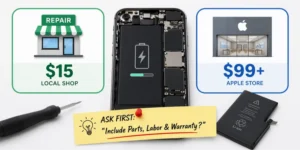
- Basic repair (button or flex cable): around $40–$120 depending on the device
- Premium phones (iPhone, Samsung): usually $80–$180+ due to parts and design
Prices vary more by device than by the problem itself.
- Local repair shops → faster and cheaper, good for simple fixes
- Official service (Apple / Samsung) → more expensive, but safer if warranty applies
If your phone is still under warranty, third-party repair can void it. Check before deciding. For newer devices, official repair is usually safer. For older phones, local shops often make more sense.
Repair or Replace — Quick Call
- Repair it → if the phone is still fast, battery is fine, and this is the only issue
- Skip it → if the phone is slow, worn out, or has multiple problems
If the cost to fix phone power button starts getting close to the phone’s value, replacement is usually the better option.
Special Cases: Water Damage or Drop
If the issue started after water or a fall, treat it differently. This isn’t a normal phone power button not working fix, it’s internal risk, and the wrong move can make it worse. This is where people panic and try random fixes, that usually makes things worse.
What to Do Immediately
- After water exposure, keep the phone dry and don’t charge it straight away, Pressing the button can push moisture deeper into the power button flex cable
- After a drop, don’t trust how it looks. The button might still click, but internal contact can already be affected
- Skip the rice trick. It doesn’t fix moisture or corrosion, just delays proper action
When It Gets Worse Later
This is where most people get caught off guard:
- Button works, then stops after a day or two
- Response becomes inconsistent
- Other issues start showing (charging, sound, screen)
That usually means internal damage is building, not something you can fix from outside.
When You Should Stop Waiting
- No response after exposure
- Problem getting worse instead of better
- Multiple functions affected
A power button not working after water damage case rarely fixes itself.
Mistakes to Avoid
Phones don’t usually fail instantly, they get worse because of what people do after.
What Usually Makes It Worse
- Pressing harder when nothing happens
- Letting the phone die before setting up a workaround
- Installing random apps that don’t solve anything
- Following DIY videos without proper tools
- Opening the phone without experience
These turn a small issue into a full power button broken phone fix situation.
Simple Rule
If basic fixes aren’t helping, stop there. Most serious damage happens after the first wrong attempt, not before.
Real-Life Scenarios: Quick Fix vs Real Repair
Most cases follow a pattern. You either fix it quickly, or it moves toward repair., The difference usually shows up within a day or two.
What Happens in Real Use
- A phone power button stuck due to dust or lint often clears with simple cleaning. A basic button jammed fix is usually enough
- If the phone is still on, workarounds like accessibility menu (Android) or AssistiveTouch (iPhone) keep it usable, A solid temporary fix for broken phone power button
- After a drop, the button may lose its click or stop responding, That’s where iPhone power button not responding cases shift toward repair
- Water damage is slower but worse. If you see a power button not working after water damage, it’s usually internal corrosion
The Simple Pattern
- External issue → quick fix works
- Internal damage → repair is unavoidable
Most people wait too long to recognise the difference, that’s where cost and damage increase.
Frequently Asked Questions
Why did my phone power button stop working suddenly?
In most cases, it’s not something serious. The issue often comes from a small software glitch, dust building up around the button, or simple wear over time. If it happened right after a drop or water exposure, though, there’s a higher chance something internal has been affected.
Can I turn on my phone without the power button?
Yes, but it depends on whether the phone is completely off or just asleep. If it’s off, plugging it into a charger sometimes triggers it to start. On some Android phones, volume button combinations can also help. If there’s no response at all, then it’s usually not something you can fix without repair.
How do I restart Android without the power button?
If your phone is still on, it’s actually quite straightforward. You can use the accessibility menu or built-in power options from the screen to restart it without touching the button. More advanced users sometimes use ADB commands, but for most people, the accessibility option is the safest and easiest route.
How do I restart iPhone without the side button?
The simplest way is by turning on AssistiveTouch. Once it’s enabled, you get an on-screen control that lets you access power options, including restart. It works reliably and is often used as a long-term workaround when the button stops responding.
Is a broken power button always a hardware problem?
No, not always. Sometimes the button itself is fine, but the system isn’t responding properly. Other times, it’s just dirt or a slightly stuck mechanism. A true hardware issue usually shows clear signs like no click, no feedback, or no response at all.
What if my phone is completely off and the power button doesn’t work?
This is where things get limited. You can try charging it for a few minutes or using volume key combinations on Android, but if nothing happens, it usually points to a hardware problem. At that stage, there isn’t much you can do without proper repair.
What is the safest temporary fix for a broken power button?
Built-in features are always the safest option. On Android, the accessibility menu can handle most basic controls. On iPhone, AssistiveTouch does the same job. These don’t require downloads, don’t risk your data, and work reliably for everyday use.
Which Android app can replace the power button?
Apps like Button Mapper, Gravity Screen, or Power Button to Volume Button can help, but they should be used carefully. Some are useful, especially for remapping keys or waking the screen, but not all of them are stable. It’s better to stick to one trusted app rather than trying multiple options.
How much does it cost to fix a phone power button?
The cost depends on the type of phone and the level of damage. For basic models, it’s usually on the lower end, while premium devices like iPhones or Samsung phones cost more because of parts and repair complexity. If the issue is only the button, it’s generally affordable compared to replacing the phone.
Is it safe to clean a stuck power button at home?
Yes, as long as you keep it simple and careful. Light cleaning around the button with a soft tool or a small amount of isopropyl alcohol can help if dirt is the cause. Problems usually happen when people use too much liquid or try to force the button.
Can water damage permanently break the power button?
Yes, it can. Water can cause internal corrosion, and the damage doesn’t always show immediately. The button might work at first and then fail later as corrosion builds up inside.
Should I repair or replace my phone if the button is broken?
It depends on the overall condition of your phone. If everything else is working fine, repair usually makes sense. But if the phone already has performance issues or multiple faults, replacing it might be the better long-term decision.
How long does a power button repair take?
In most cases, it’s a quick job. Many repairs are completed within an hour or two. It only takes longer if there’s deeper internal damage or parts aren’t readily available.
Can dirt or pocket lint stop the power button from working?
Yes, and it happens more often than people expect. Small particles can build up around the button and affect how it moves or responds. This is one of the easiest problems to fix if caught early.
What should I back up before getting the phone repaired?
Before handing your phone over, make sure your important data is safe. That includes photos, contacts, messages, and anything you wouldn’t want to lose. If the phone shuts down and you can’t turn it back on, getting that data later can be difficult.
Final Thoughts
If you’re dealing with fix phone power button not working, don’t jump into random fixes. Start simple. Check what still works, then use safe workarounds. If the phone still responds, you’ve got time and options. If there’s no response at all, stop experimenting, that’s where things usually get worse. The right move isn’t the most technical one. It’s the one that actually matches the problem.